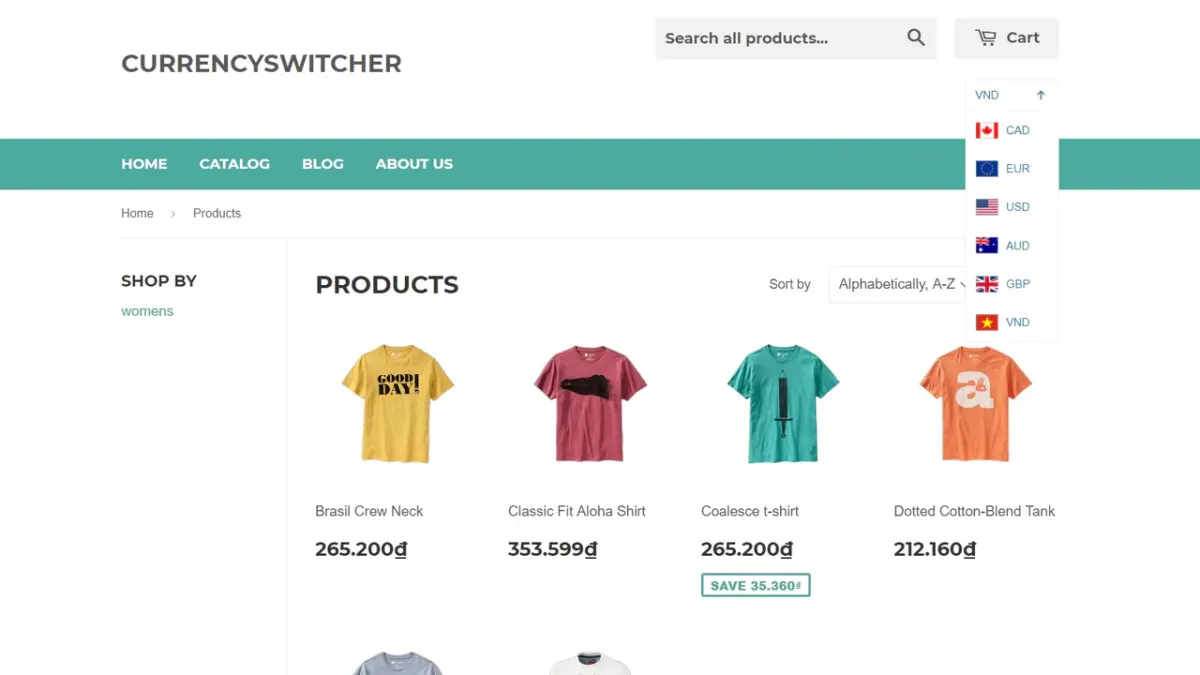
A customer from Tokyo adds a product to their cart, sees the price in dollars, and abandons the checkout. Your analytics show a clear pattern: international visitors are bouncing because they can't instantly grasp the cost in their own currency. This friction isn't just a minor inconvenience; it's a direct leak in your global sales funnel, turning potential revenue into cart abandonment notifications.
This review cuts through the noise to compare dedicated Shopify currency apps that handle automatic detection and switching. We'll look at how tools like Currency Robo and BEST Currency Converter manage real-time rates and geo-location to create a truly localized shopping experience. See which solution can seamlessly convert browsers—and currencies—into buyers.
Product list
Resources in this article
Compare the options below. Check the provider’s current features, pricing and compatibility before choosing.
Currency Robo
shopifySpurIT Multi Currency Switcher
shopifyBEAST Currency Converter
shopifyCurrency Converter Plus
shopifyCurrency Converter Plus is a Shopify theme designed for international e-commerce stores, featuring a built-in multi-currency converter supporting 222 currencies. Its clean, professional design prioritizes seamless user experience with automatic geolocation and compatibility with Shopify Markets.
MLV Auto Currency Switcher
shopifyHextom: Currency Converter
shopifyThe Hextom: Currency Converter Shopify theme is designed for online stores targeting international customers, featuring automatic currency conversion for over 230 countries. Its clean, functional design integrates a discreet currency selector to provide a localized shopping experience without disrupting the site's aesthetic.
Coin Currency Converter
shopify